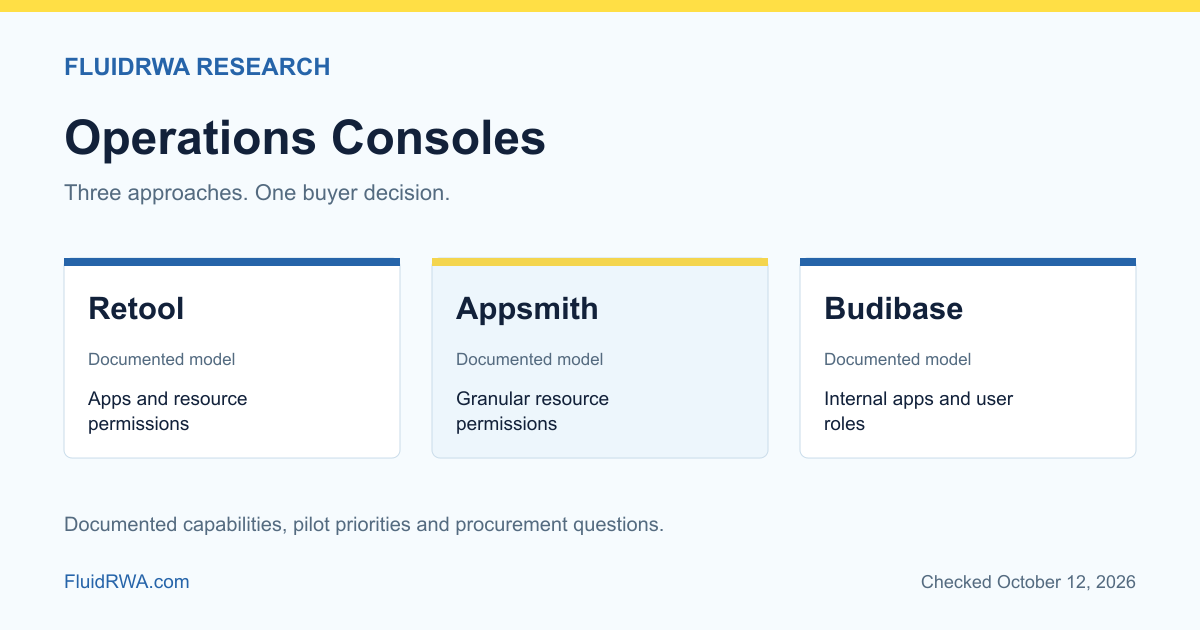
Retool, Appsmith and Budibase document internal application and permission models. For a fintech operations console, compare who can view records, run queries and trigger actions, not just how quickly a screen can be built. The application backend must still enforce business authorization; hiding a button is not an approval control.
What makes an operations console safe to use?
An operations screen sits close to consequential actions: reviewing a withdrawal, changing a customer record or resolving a reconciliation break. Fast screen creation is useful, but the more important requirement is predictable authority. A support agent should not acquire payment approval rights because two groups combine more access than expected.
This article compares internal tools, not customer sign-in providers. For the latter, see our Clerk, WorkOS and Auth0 comparison. Internal identity and business authorization still need to connect correctly.
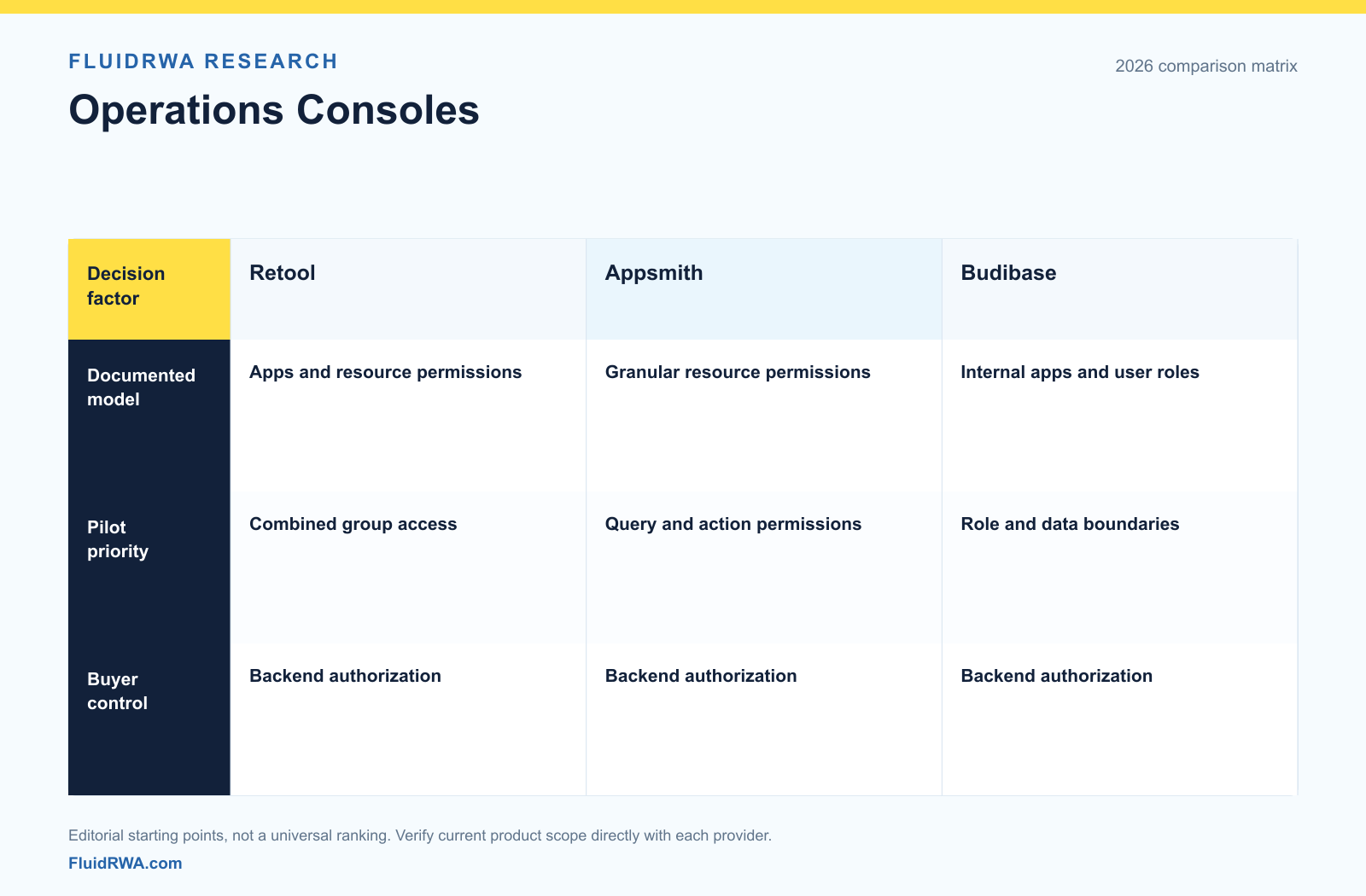
Comparison table: permission evidence and pilot priorities
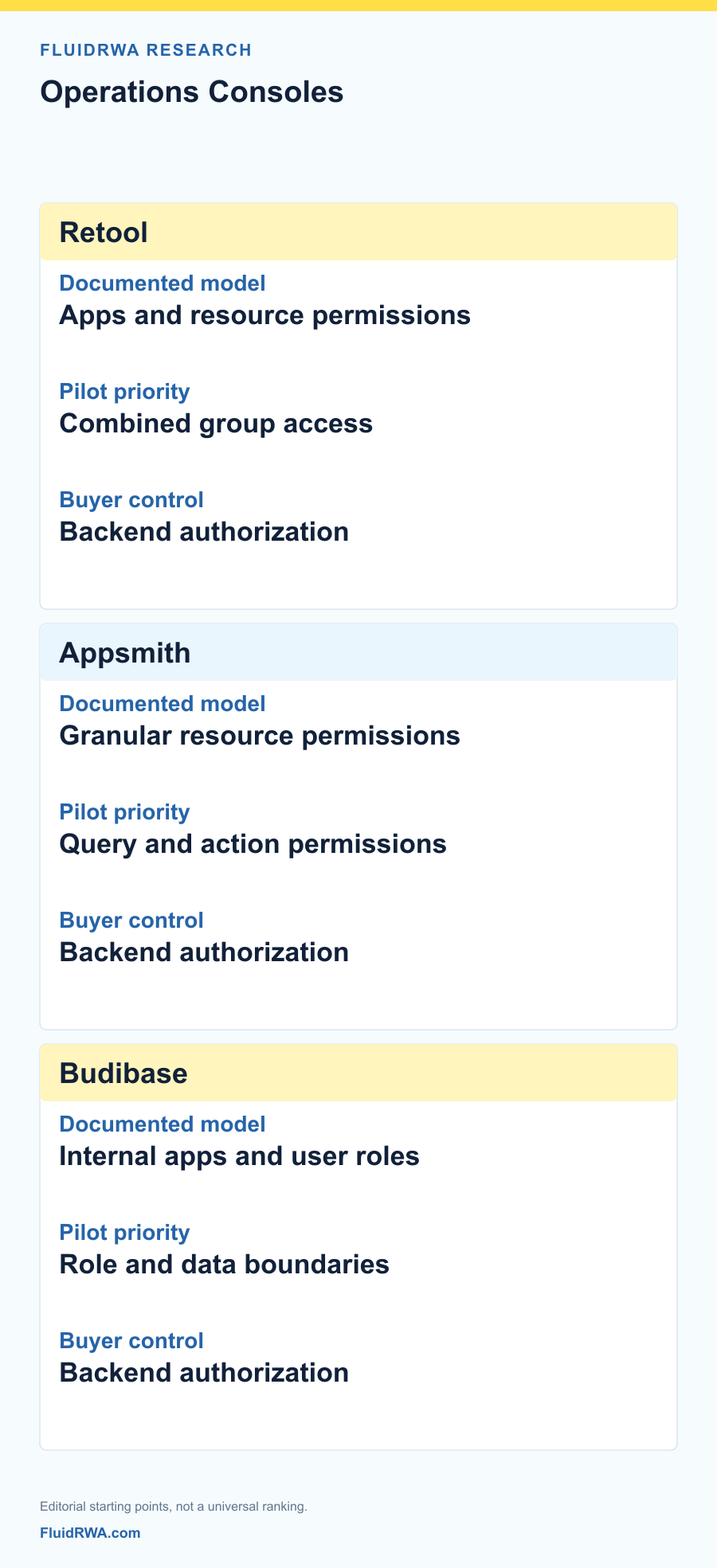
| Buyer question | Retool | Appsmith | Budibase |
|---|---|---|---|
| Evidence reviewed | Permission quickstart and plan boundaries | Granular Access Control documentation | Internal apps and user-role documentation |
| First access test | A user in overlapping groups | Permission to use an app versus run an action | Role access to app and data |
| Edition check | Required group and role customization | Required resource-level control | Required role and deployment configuration |
| Non-negotiable application control | Backend authorization | Backend authorization | Backend authorization |
This is a documentation-based shortlist, not a security certification. A missing entry means not verified. Pilot priorities are editorial recommendations, not exclusive vendor features.
Retool: test combined permissions
Retool's permission quickstart describes access to apps, resources, workflows and agents through groups and roles. It explicitly explains additive permissions and differences between plans. Confirm that the proposed arrangement supports the control you need rather than assuming all examples apply to an entry-level plan.
Buyer interpretation: test a user who belongs to both support and operations groups. Record the resulting permissions, not just the intended role name. Remove one membership and check whether another grant preserves access. Repeat the test for production resources and privileged queries.
Appsmith: separate access to the screen from access to resources
Appsmith's Granular Access Control documentation describes permissions for resources such as applications, pages, queries and data sources. This is a useful starting point for examining more than a single broad application role.
Buyer interpretation: use a read-only analyst and an authorized reviewer on the same synthetic case. Check what each can see and execute. Inspect whether a query accesses data with a broad shared credential; a restricted interface can still sit above an overly powerful database account.
Budibase: test the actual role and data model
Budibase's internal-app product page describes building applications around operational processes. Its user-role documentation describes how access is assigned. Review the current app, data and role arrangement for the selected deployment rather than treating a generic internal-tool feature list as evidence of your exact control design.
Buyer interpretation: create a synthetic review queue with a reader, editor and administrator. Attempt to view another team's records and run a protected change. Document where a rejection occurs: interface, application permission, backend API or database policy. The location affects how the control survives a redesigned screen.
Build a low-risk pilot before connecting money movement
Start with a read-only reconciliation queue using synthetic data. Connect the proposed identity arrangement, log access and verify that users cannot retrieve records outside their scope. Add a reversible administrative action next, with a clear before-and-after record.
Do not initially give the console an unrestricted payout credential. A real financial action should pass through an API that validates the actor, current account state, approved amount, permitted destination and required approvals. The console should request that action, not replace those controls with its own visual state.
Test stale browser sessions after role changes, a deleted user, an unavailable data source and a deployment rollback. Examine log completeness and exportability. Useful evidence should identify the person, action, record, time and result without exposing secrets unnecessarily.
Compare the operating cost, not just a seat price
Before signing, request the exact edition and deployment assumptions for SSO, permissions, audit evidence and environments. Do not infer availability from a screenshot of a higher-tier product. If hosting internally, assign patching, backup and recovery ownership. If using a managed service, assess data access and contract terms.
Measure how much engineering remains in connectors, backend policy, tests and maintenance. Low-code does not mean no code, no security work or no operational accountability. For specialist review workflows, compare the case-management requirements separately from the tool used to build a screen.
Last checked October 12, 2026. This article documents permission starting points, not independently tested security or implementation speed. Share your workflow at contact@fluidrwa.com.
FAQ
Which internal-tool platform is best for fintech?
There is no universal winner in this review. Pilot the actual record access, approval actions and deployment arrangement, with the permissions available in the proposed edition.
Can hiding a button prevent an unauthorized payout?
No. The API or backend must independently enforce authorization, limits and approval state. Interface visibility is only one layer of control.
Does self-hosting automatically improve security?
No. Self-hosting transfers operational responsibilities such as patching, backups, credentials and recovery to your team. Evaluate the entire operating arrangement.
Define the operations workflow
Tell us which records, approvals and actions your team needs. Or email contact@fluidrwa.com.